
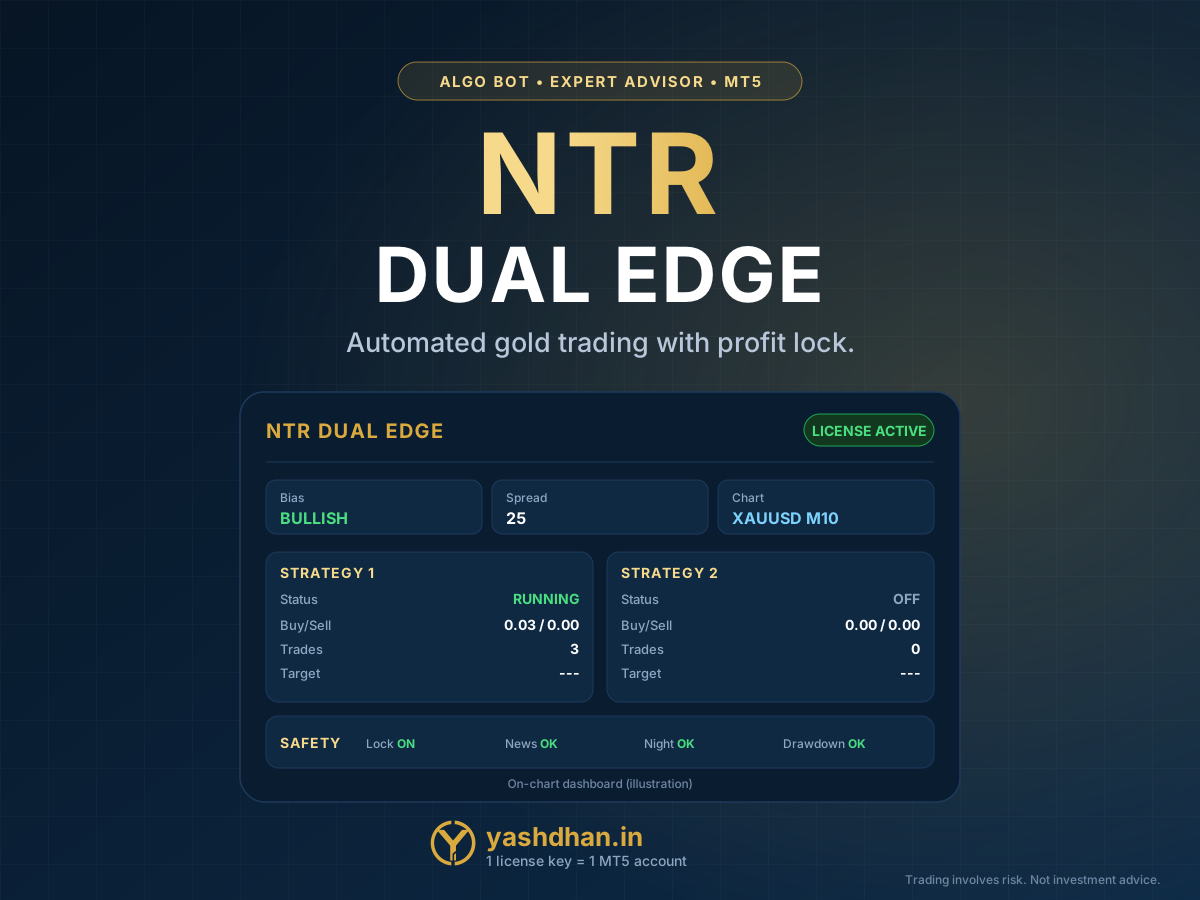
Algo Bots
Algo bots & indicators
Bots and indicators for MT4 & MT5 — licensed automatically.
Buy a bot or an indicator, copy your license key from My Account, paste it in the bot — and it runs on your MT4/MT5 account. No waiting, no manual activation.
- Key delivered instantly
- One key = one bot = one account
- Monthly, yearly or lifetime
- MT4 & MT5
License rules
Simple, fair and clear
One key = one bot = one account
Every bot has its own key. A key works on one MT4/MT5 account only — the first account that uses it.
Plan = validity
Buy 1 month, 3 months or 1 year and the key works exactly that long. A lifetime plan never expires. Renew and the SAME key keeps working.
Reset key any time
Changing broker or account? Press “Reset key”: the old key stops, a new key works. Up to 3 resets per license; then support helps.
Safe when a license ends
When a license expires the bot stops opening NEW trades. Trades that are already open are not touched.
Internet problem? It keeps running
If your VPS cannot reach our server, the bot keeps working for up to 72 hours before it pauses.
Demo or real
You can use the key on a demo or a real account — remember it links to the first account that uses it.
How it works
From payment to a running bot in 4 steps
- 1Choose a botPick the bot or indicator and a plan: 1 month, 3 months, 1 year or lifetime.
- 2Pay securelyCard, UPI or net-banking. Payment is verified automatically.
- 3Get your keyYour license key appears at once in My Account → Algo Licenses (and on the payment page).
- 4Paste it in the botPaste the key in the bot settings. It links to your MT4/MT5 account and starts working.
Available now
Bots & indicators
Pick one, choose how long you need it, and your key is ready the moment you pay.
Algo Bots
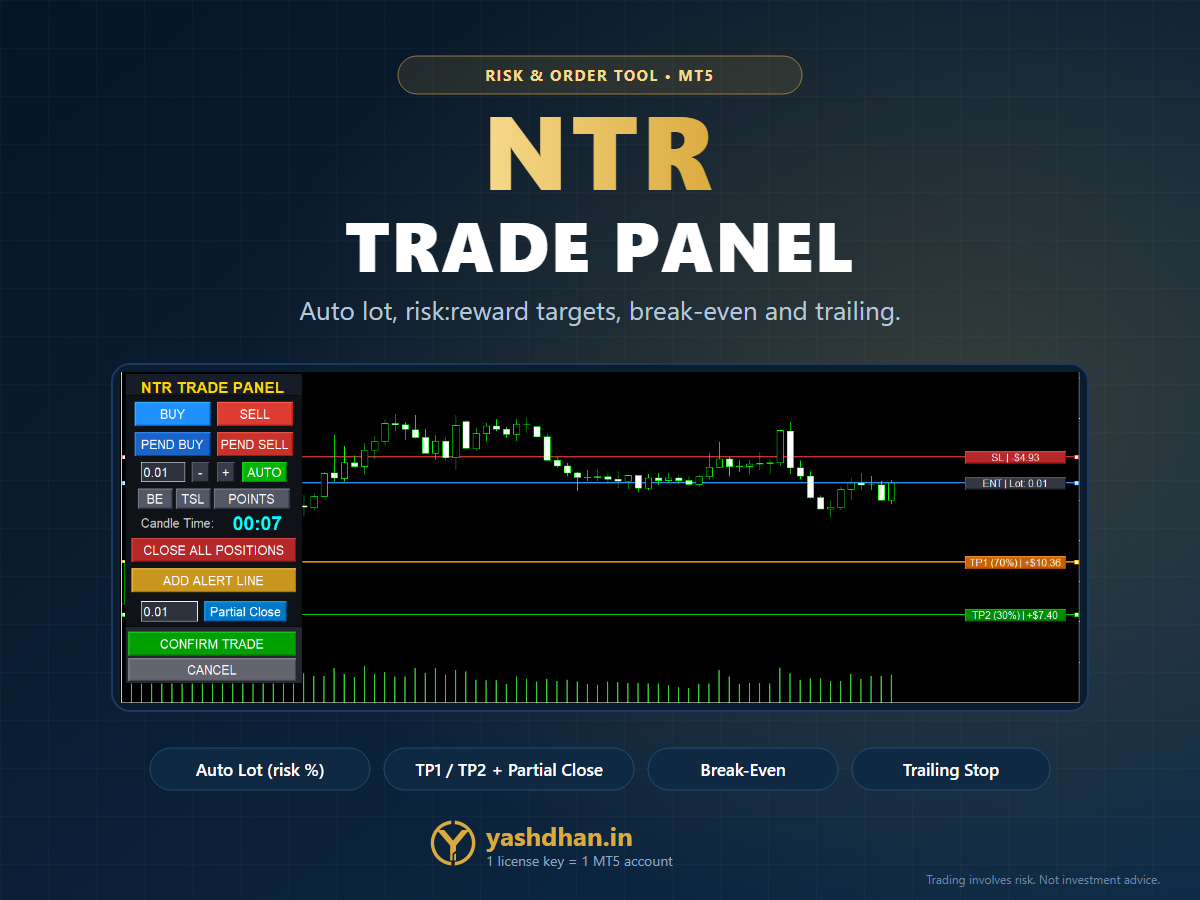
NTR Trade Panel
First-time setup
Set it up once (5 minutes)
- Download the bot or indicator file from My Account → Downloads (or the button on your payment page) and copy it into MetaTrader: File → Open Data Folder → MQL5 (MT4: MQL4) → Experts or Indicators. Restart MetaTrader.
- Allow the license check once: Tools → Options → Expert Advisors → tick “Allow WebRequest for listed URL” → add
https://yashdhan.in - Drag the bot onto a chart, open the Inputs tab, paste your key in “LicenseKey” and press OK. For a bot, also keep “Algo Trading” switched on.
- A message on the chart shows “Active” with the days left. That is all — it now runs on this account.
Questions
Quick answers
How do I get my license key?
Immediately after your payment is verified. It is shown on the payment page and stays in My Account → Algo Licenses, where you can copy it any time.
Can one key run two bots or two accounts?
No. One key works for one bot on one MT4/MT5 account. If you buy another bot, you get another key for it.
I changed my broker or account. What now?
Open My Account → Algo Licenses and press “Reset key”. The old key stops working and you get a new key that links to the next account you use.
What happens when my plan ends?
The key expires. The bot stops opening new trades — trades that are already open are not touched. Renew the plan and the same key works again.
Does it work on MT4 and MT5?
Each product page tells you which platform the bot or indicator is built for. The key system works the same on both.
The bot says “WebRequest not allowed”.
In MetaTrader open Tools → Options → Expert Advisors, tick “Allow WebRequest for listed URL” and add https://yashdhan.in. Then restart the bot.
Do I need a VPS?
A bot trades only while MetaTrader is running. A VPS keeps it on 24 hours; you can also run it on your own computer while it stays on.
Can I test first?
Always test on a demo account first. Remember the key links to the first account that uses it — if you test on demo, use “Reset key” to move it to your real account later.
Questions before you buy?
Ask us anything about a bot, a plan or the setup — we reply personally.
Algo trading carries risk. Bots and indicators are tools, not investment advice, and nothing here promises profit. Test on a demo account first and never risk money you cannot afford to lose.